Default construction phases
Start with practical phase categories that match the way contractors think about jobs.
- Site prep and demo
- Framing and labor
- Subcontractors
Builder Trace helps contractors plan budget phases and compare actual job costs against labor, subcontractors, materials, permits, equipment, general conditions, and contingency. Cost codes become a practical daily view, not a confusing accounting chore.
Builder Trace keeps cost codes understandable with budget phase cards, actual cost rows, pressure indicators, and project-level context contractors can review quickly.
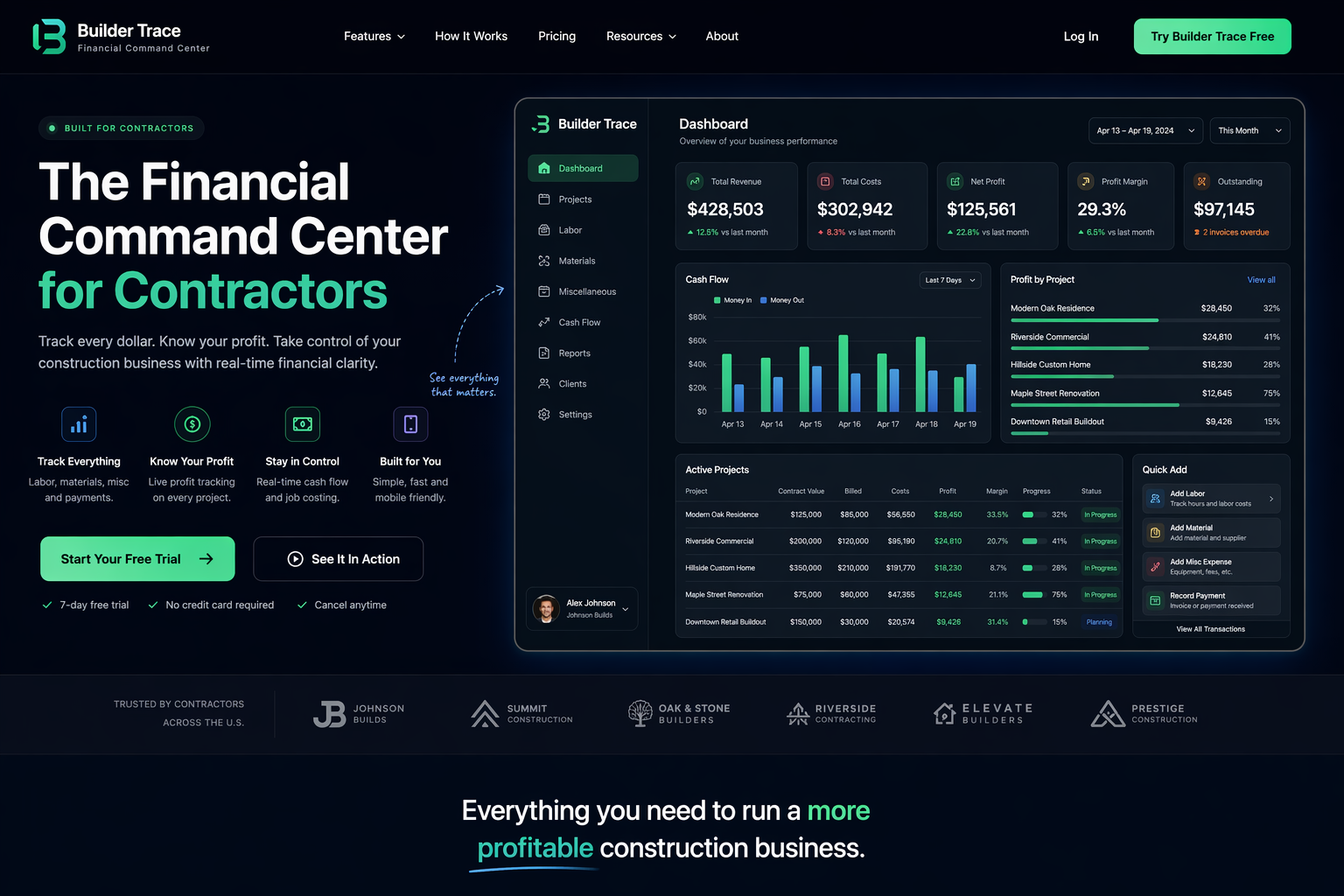
Builder Trace turns cost categories into clear budget phase cards, phase rows, and pressure signals so contractors can see where actual spending is moving.
Start with practical phase categories that match the way contractors think about jobs.
Assign material purchases, permit fees, rentals, delivery, disposal, fuel, and tools to the right budget area.
Compare planned budget with actual tracked costs to see what is on track, tight, over, or missing a plan.
Cost code tracking works best when it is connected to the project workspace and not buried in accounting language.
Cost codes can become confusing fast. Builder Trace keeps the presentation visual and project-focused so owners can understand what matters without needing to live inside accounting software.
Track budget phase pressure beside payments, job costs, change orders, forecast, and live profit.